How It Works
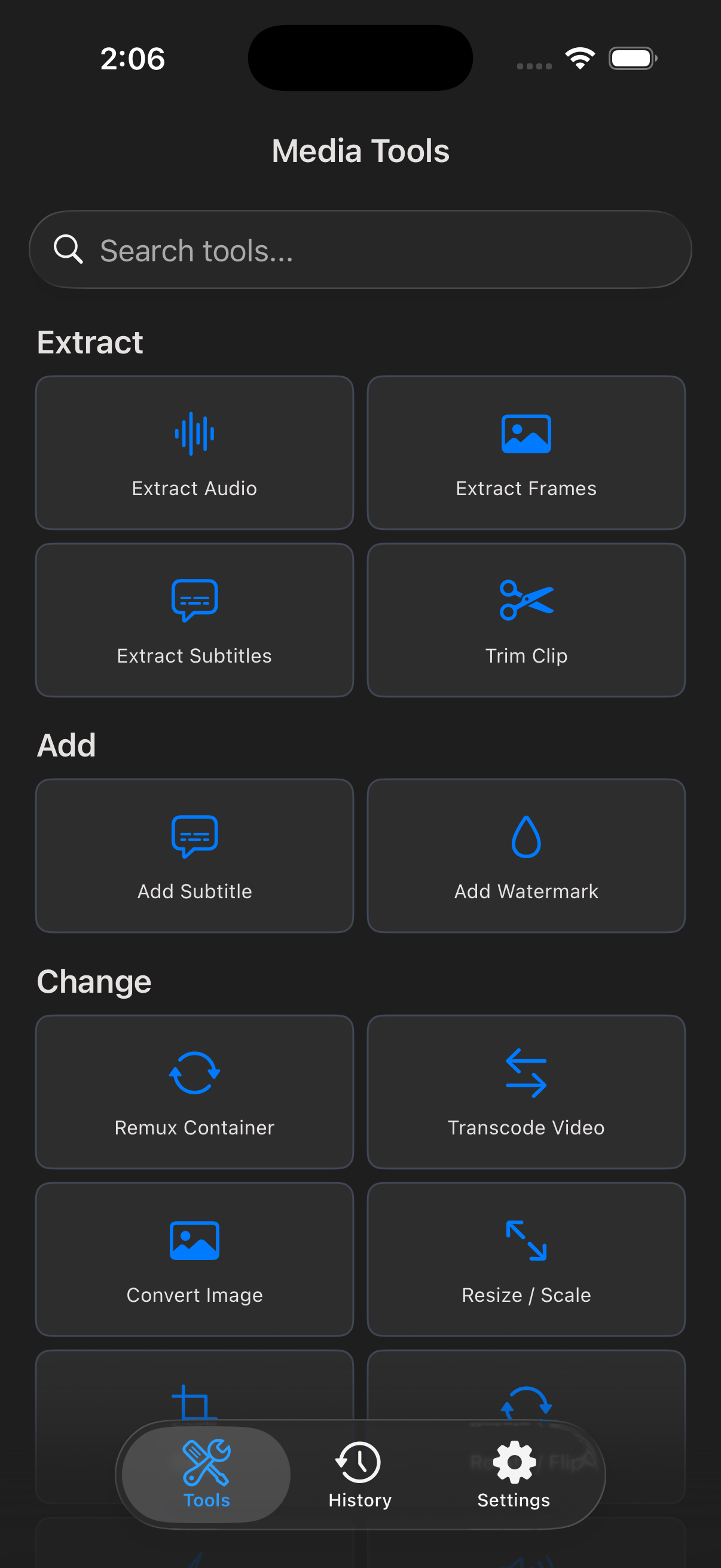
Pick a tool
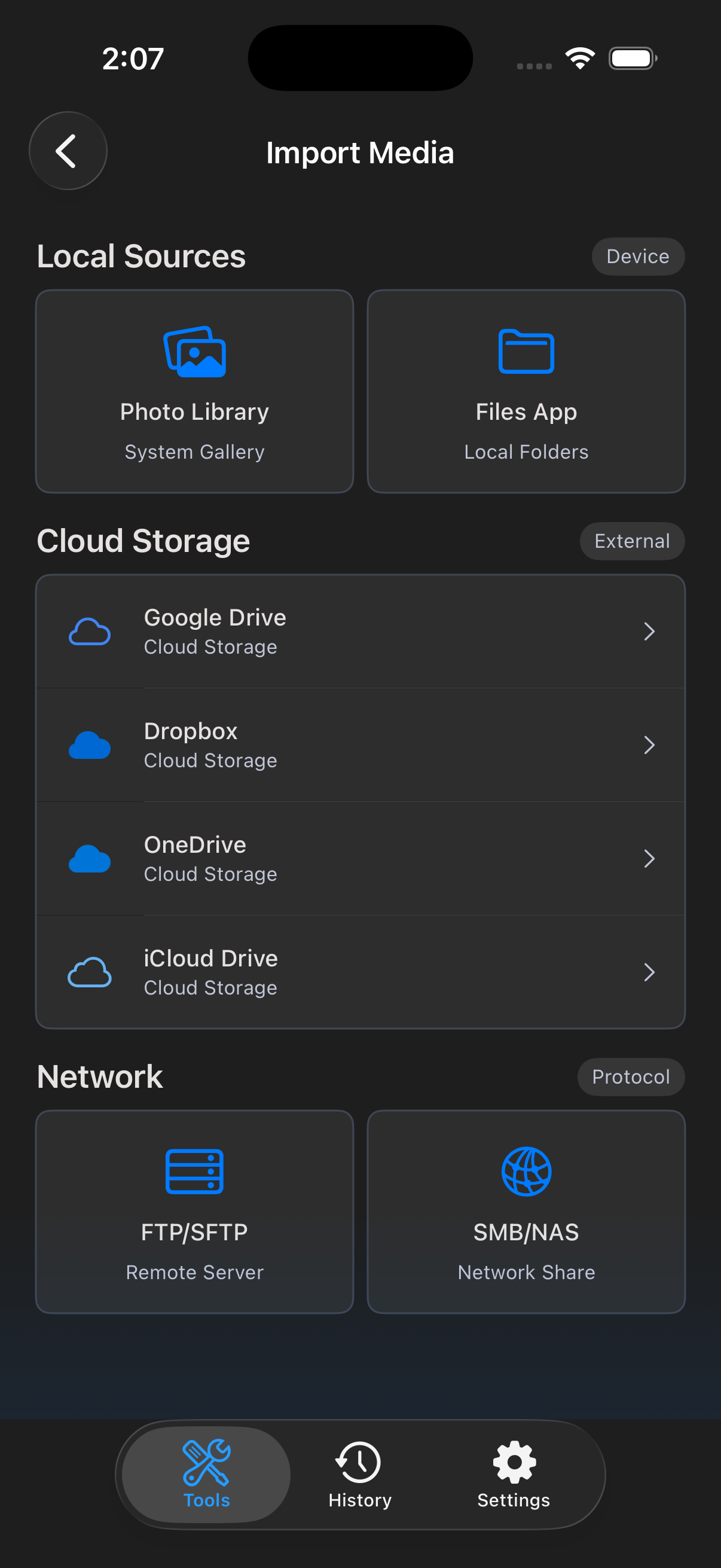
Choose your file
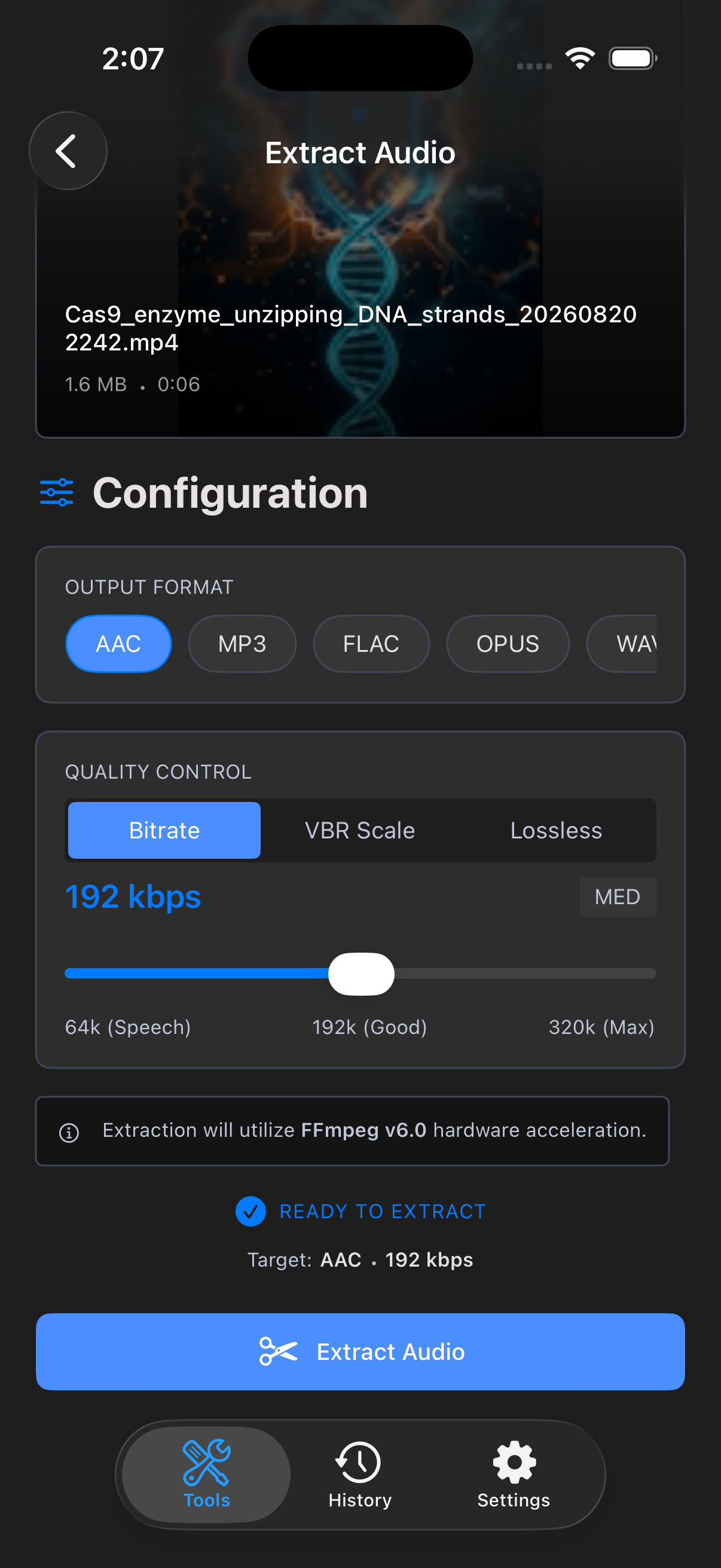
Adjust options
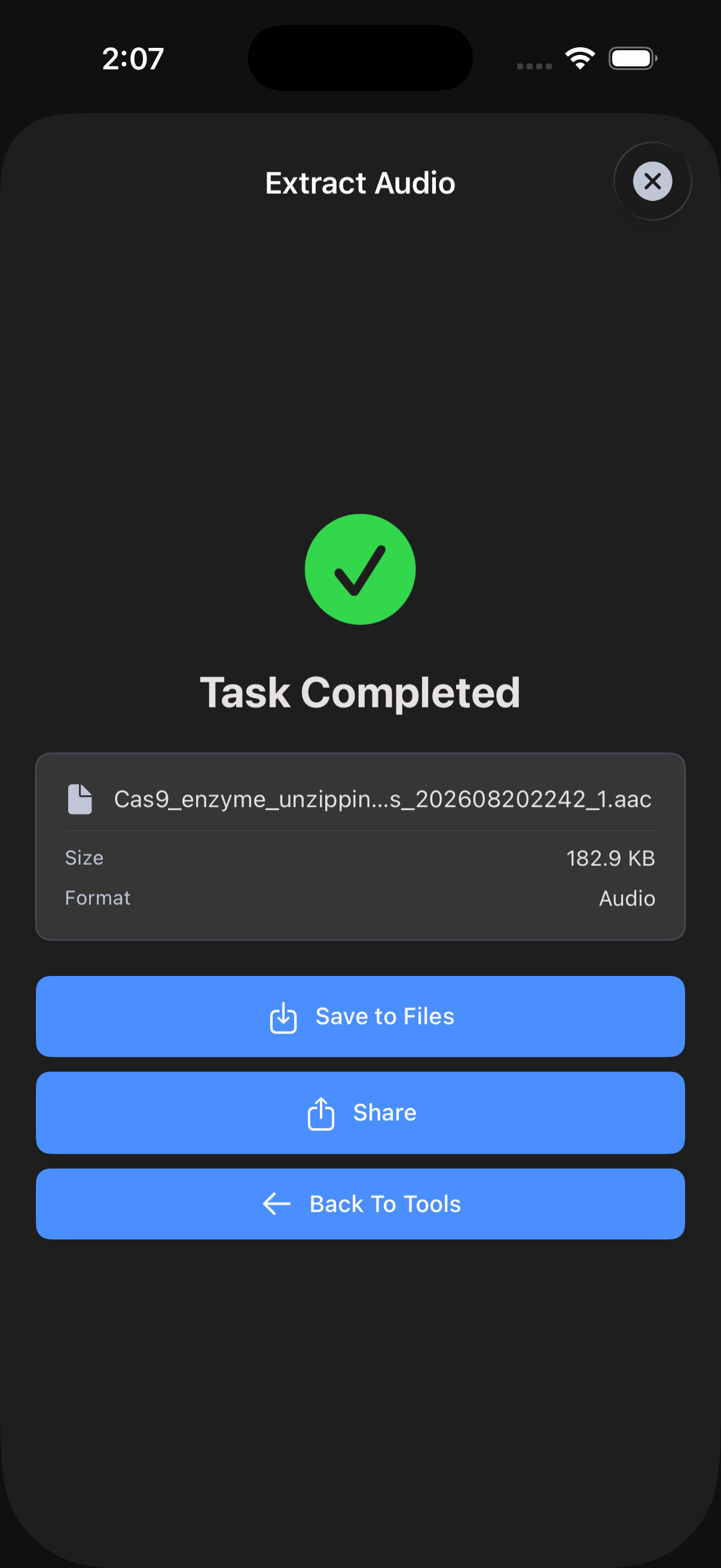
Preview the result
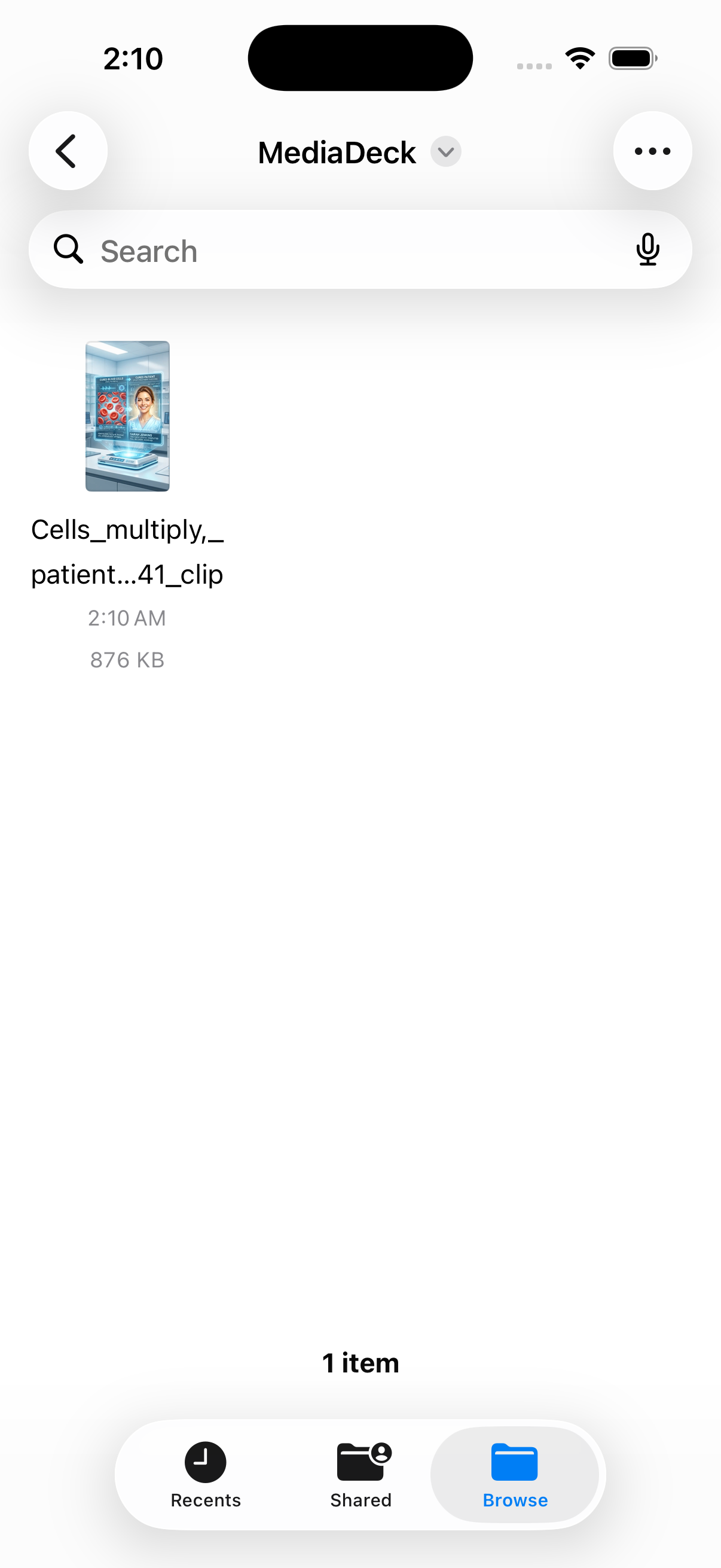
Find it in Files
One-Tap Tools for Video, Audio & Images
Pull clean audio tracks out of any video in AAC, MP3, or WAV. Perfect for podcasts, voiceovers, and sound clips.
Cut exactly the moment you need. Frame-accurate trimming with intuitive start and end handles — no re-encoding when possible.
Burn subtitles into your video or extract them as SRT files. Add captions with adjustable font, size, and position.
Convert between MP4, MOV, MKV, AVI, and more. Pick your output codec and quality — MediaCut handles the rest.
Resize for any platform or crop to perfect aspect ratios. Built-in presets for social, vertical, and square formats.
Stitch clips together or layer a picture-in-picture overlay. Combine intro, body, and outro in seconds.
Turn any video segment into a smooth, optimized GIF with adjustable frame rate and quality.
Fix uneven audio levels, normalize loudness, or boost quiet recordings. One tap, broadcast-ready sound.
Protect your work with text or image watermarks. Adjust position, opacity, and size with live preview.
Speed up or slow down clips, rotate and flip orientation, flip mirror for selfies — all without re-uploading.
Pick a tool
Choose your file
Adjust options
Preview the result
Find it in Files
Download MediaCut and turn your phone into a powerful media toolbox.